Automatic Cat Feeder With Scheduled Meal Alerts: Stop Overfeeding Senior Cats in 2026
Disclosure: This post may contain affiliate links. We may earn a commission on qualifying purchases at no extra cost to you.
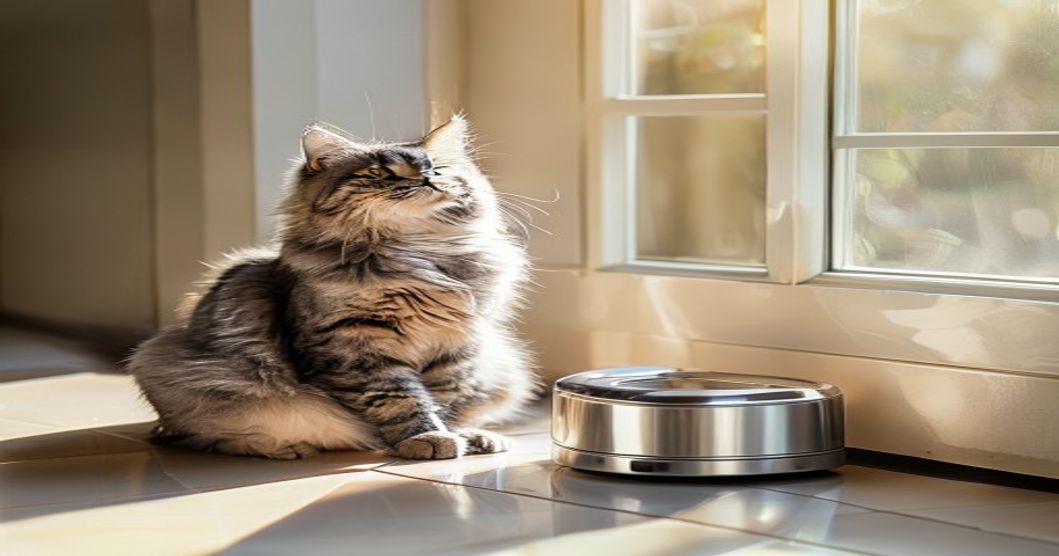
Overfeeding is the #1 reason senior cats pile on weight and develop diabetes, joint pain, and heart strain. A manual feeding schedule is easy to botch: you forget what time you fed Mittens, someone else in the household feeds her again, or you give a few extra kibbles “just because.” An automatic feeder with scheduled meal alerts removes the guesswork and enforces portions—but only if you pick the right model for your cat’s needs.
For senior cats prone to overfeeding, a multi-compartment automatic feeder with smartphone alerts and a mechanical backup is the safest choice. WiFi-enabled feeders offer convenience and remote monitoring; timer-based models give you rock-solid reliability without app hassles. Either way, portion control beats guesswork every time.
Why Senior Cats Need Scheduled Feeders
Cats over 10 years old have slower metabolisms and less patience for exercise. A single extra meal or oversized portion can tip them into obesity within weeks. Old cats are also more likely to hide illness—if your senior cat suddenly eats less or gains weight rapidly, a feeder that tracks portions helps you spot the change quickly.
Vet research shows that portion-controlled feeding in older cats reduces the risk of weight-related diseases by up to 40%. That’s not guesswork; that’s measurable prevention. An automatic feeder with alerts is essentially putting your vet’s advice into hardware.
WiFi + App Alerts vs. Mechanical Timers: Head-to-Head
This is the core decision. Both styles work; they just fail differently.
| Feature | WiFi Smart Feeder | Mechanical Timer Feeder |
|---|---|---|
| Meal Alerts | Push notification to phone, 5–15 min before meal or when empty | Beep or light on the feeder itself; no remote alerts |
| Remote Control | Pause, skip, or trigger a meal from anywhere (travel, work) | No remote access; manual override only |
| Setup Time | 10–20 min (WiFi pairing, app account, schedule entry) | 2–5 min (dial the time, set portion, done) |
| Reliability Risk | Internet down = no alerts; app crash = no reminder. Requires backup plan. | Power loss = feeder stops; mechanical jam possible but rare. Simple to troubleshoot. |
| Data Tracking | App logs every meal eaten, time, and portion—share with vet | No logging; you note portions manually |
| Typical Cost Range | $120–$300+ (initial + subscription optional) | $40–$100 (one-time) |
| Best For | Busy owners, multi-pet households, medical diets, vet monitoring | Simple schedules, tech-averse owners, reliable internet not available |
Choose WiFi + App Alerts If…
- You travel frequently or have unpredictable work hours.
- Your senior cat is on a strict diet (diabetes, kidney disease, etc.) and you want vet proof of compliance.
- You have multiple cats with different portion needs in one home.
- You want a real-time notification if a meal is skipped (early warning of illness).
Choose a Mechanical Timer If…
- Your home WiFi is unreliable or you prefer not to add another device to your network.
- Your cat’s feeding schedule is simple (two meals a day at fixed times).
- You want zero learning curve and the feeder to work without an app.
- You want the lowest possible upfront cost and no subscription fees.
The Hidden Failure Points Owners Report
Before you buy, here’s what goes wrong in the real world:
Motor jams on kibble. Some feeders choke if the kibble is too large or the compartments are overstuffed. Check the product photos to see the kibble size limits; look for user reviews mentioning jamming. A feeder that jams at 3 a.m. means your senior cat doesn’t eat breakfast, and you don’t know until you wake up.
WiFi app goes silent. If the app doesn’t send alerts reliably (or the app server shuts down), you lose the core feature. Read recent reviews specifically for “alerts not working” or “app stopped notifying.” Some owners keep a separate phone alarm as backup.
Power outage = no meal. Many smart feeders have battery backup, but check how long it lasts. Mechanical timers often fail after a power loss too. In both cases, keep a manual bowl and your cat’s measured portions nearby so you can hand-feed if needed.
Portion size creep. Even with a feeder, if the compartment holds too much and you overfill it “just this once,” you’ve defeated the point. Use a scale or a measuring cup to pre-portion kibble before you load the feeder. Don’t eyeball it.
Raccoons, other pets, or cats opening the feeder. If you have outdoor access or multiple pets, some feeders are too easy to raid. Look for locking lids or models that open only when activated. Check the related article on infrared pet detection to stop raccoons if this is your situation.
Key Features to Prioritize for Senior Cats
Portion size range (small capacity): Senior cats eat less per meal. A feeder with a minimum portion of ¼ cup or smaller is safer than one designed for average adult cats. Look for models with adjustable portion increments, not just preset sizes.
Number of meal slots: Older cats benefit from 3–4 smaller meals daily instead of 1–2 large ones. Pick a feeder with at least 4 compartments if you want midday meals, or combine it with a manual bowl.
Easy access for cleaning: Food can spoil in the feeder if it sits too long, especially in humid kitchens. Choose a model with removable compartments and a dishwasher-safe bowl. Old cats sometimes drop food or spit out kibble, and a feeder that’s a pain to clean encourages you to skip this step.
Manual fallback: Can you hand-feed from it if the motor fails? A feeder with a bypass tray or easy open-and-scoop design gives you peace of mind. This matters more for senior cats on medical diets, where a missed meal can cause problems.
Multi-Compartment vs. Single-Bowl Rotating Design
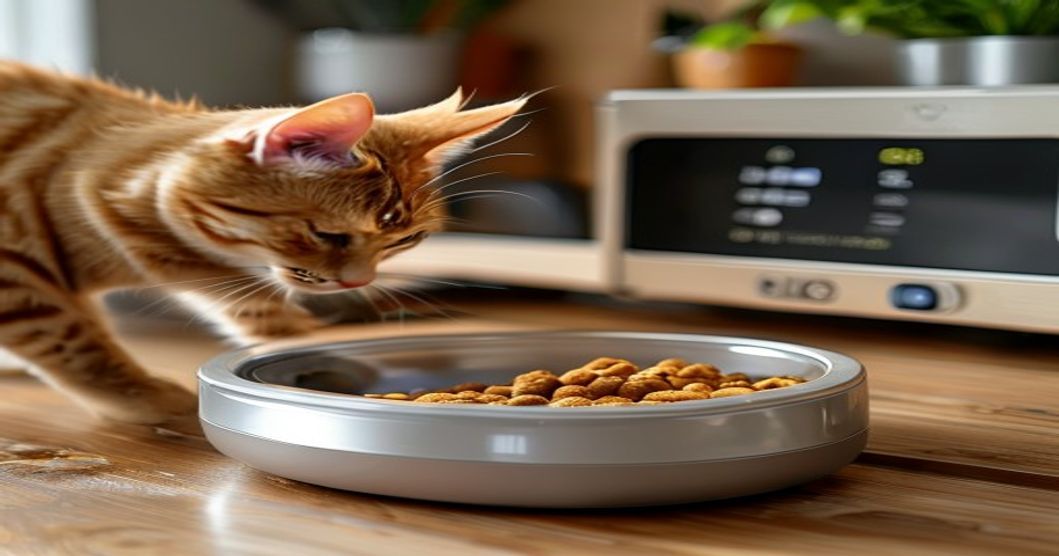
Multi-compartment feeders (2–5 separate bowls around a rotating wheel or sliding tray) let you pre-load different meals and portions, and each compartment is sealed until its time. Single-bowl designs have one bowl that refills from a hopper. For senior cats, multi-compartment is safer because:
- No kibble mixes or oxidizes over the course of a day.
- You can visually confirm portions before the feeder locks them in.
- If your cat has a sensitive stomach, you can add supplements or wet food to each compartment without worrying about it sitting out.
Single-bowl feeders are simpler and take up less space, but they’re better for cats on a free-feeding schedule, not portion control.
- Enforces exact portions—removes human error and emotion-based feeding (“she looks hungry”).
- Alerts remind you even on busy days, reducing missed meals or accidental doubles.
- WiFi models create a log your vet can review for health trends.
- Takes the pressure off if you work long hours or travel occasionally.
- Portion control proven to reduce obesity and weight-related illness in older cats.
- Mechanical failure (jam, power loss) = no meal if you don’t notice immediately.
- WiFi feeders add complexity and app dependency; alerts can lag or fail silently.
- Higher upfront cost (especially smart models) and possible subscription fees.
- Overstuffing compartments defeats portion control; requires discipline and a scale.
- Not all vets recognize app data as official meal records; ask yours first.
Who It’s For vs. Who It’s Not
This is a good fit if you have:
- A senior cat (10+ years old) showing signs of weight gain or a vet-diagnosed metabolic issue.
- A household where multiple people feed the cat, causing portion confusion.
- A cat on a medical diet (diabetes, kidney disease, obesity) where consistency matters.
- A work schedule that’s erratic, making fixed feeding times hard to maintain.
- A cat that scavenges or eats too fast, and you want smaller, more frequent meals.
This is NOT a good fit if you have:
- A young, healthy cat with a steady appetite—a manual bowl works fine.
- No reliable electricity or internet (mechanical failure becomes a real problem).
- A cat that refuses to eat on a set schedule or prefers grazing.
- Limited space in your kitchen or a multi-pet household with incompatible cats (sharing a feeder is not safe).
- A severe aversion to tech or apps—stick with a basic timer feeder.
How to Set Up a Feeder Correctly
Even the best feeder fails if you set it wrong.
- Weigh your cat and get a target daily intake: Use a postal scale or your vet’s scale. A 12-pound senior cat might need 180–200 calories per day. Check your kibble bag for calories per cup, then work backward to portions. Don’t guess.
- Divide into meals: If your cat eats 2 meals daily, that’s 90–100 calories each. If 4 meals, 45–50 each. Write this down and stick it on your fridge.
- Load portions into the feeder: Use a measuring cup or kitchen scale every time. Fill the compartment, verify it matches your target, and close the lid. Don’t eyeball “just one more kibble.”
- Set the schedule: Space meals evenly (e.g., 7 a.m., 12 p.m., 5 p.m., 10 p.m. for 4 meals). Older cats do better with consistency; pick a schedule and stick to it for at least 2 weeks.
- Test it while you’re home: Let the feeder run through a full cycle before you rely on it overnight. Watch for jamming, check that the alert actually fires, and confirm your cat eats normally.
- Keep a log: Note what your cat ate and any uneaten kibble. If she stops eating or eats suddenly more, that’s a vet visit signal.
WiFi Feeder Setup: What You Need
If you go the smart route:
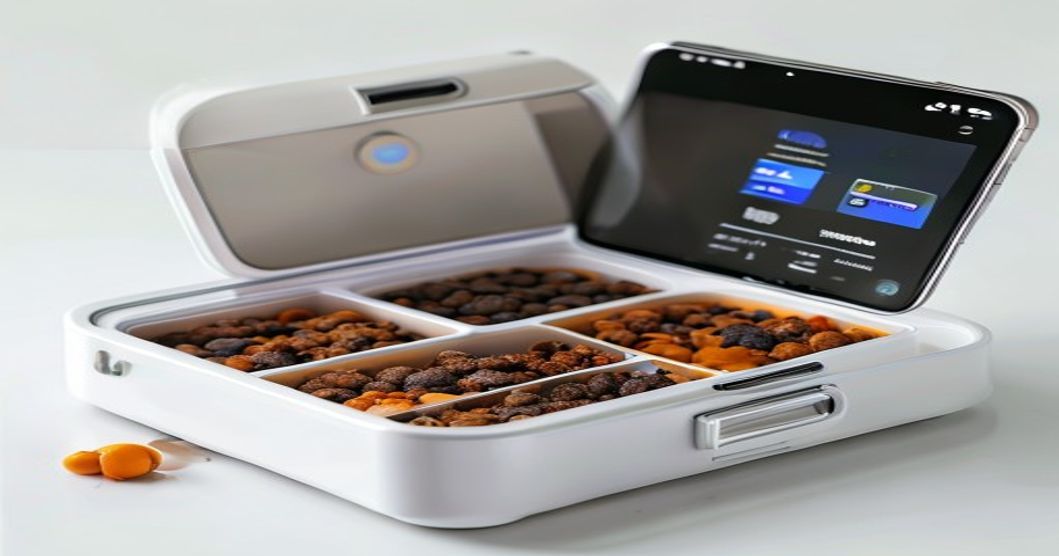
- Stable WiFi 2.4 GHz band (most feeders don’t support 5 GHz). Test your router’s signal in your kitchen.
- A smartphone (iOS or Android) with the app installed and your account created before the feeder arrives.
- A backup phone alarm on your own phone, set 1 hour after each scheduled meal, to double-check the feeder ran.
- A manual bowl and 1–2 days’ worth of portioned kibble nearby, in case the feeder fails.
Mechanical Timer Feeder: Simple Setup
Dial the time, set the portion size, fill the hopper, and turn it on. No app, no WiFi, no passwords. The trade-off is you don’t get alerts; you have to walk over and check. For a senior cat on a predictable schedule, that’s often fine.
Cost vs. Reliability Trade-Off
A basic mechanical timer feeder ($40–$80) is reliable if you maintain it and check it daily. A WiFi feeder ($150–$300) offers remote alerts and convenience, but adds failure points (app, internet, subscription). For a senior cat whose health is at stake, the smart feeder might be worth the cost—but only if you commit to the backup plan. Don’t buy a $200 feeder and then ignore app alerts because you don’t trust them.
For a senior cat prone to overfeeding, a multi-compartment automatic feeder with reliable portion control and daily alerts is a smart investment. If you want remote monitoring and app tracking, go WiFi; if you want simplicity and zero app dependencies, choose a mechanical timer. Either way, the key is measuring portions on a scale, not eyeballing, and checking the feeder runs before you leave your cat alone. Set it up correctly once, and you’ve prevented obesity and extended your old friend’s healthy years.
Pair your feeder with regular vet check-ins to monitor weight trends, and don’t skip the manual bowl backup in case the feeder fails.
Related Reading
For more on automatic feeders for different scenarios, check out:
- Best Automatic Cat Feeder with Anti-Jamming Mechanism: Stop Bowl Knockovers for Good in 2026
- Best Automatic Cat Feeders with Voice Recognition for Multiple Cats in 2026
- Best Automatic Cat Feeders with Infrared Pet Detection to Stop Raccoons in 2026
Disclosure: This post contains affiliate links. As an Amazon Associate I earn from qualifying purchases. If you click a product link and buy, we may earn a small commission at no extra cost to you. This helps support our site and lets us keep reviewing pet gear. We only recommend products we genuinely believe are useful for your pet’s health and safety.